
If you have small business income or other income that you haven’t properly withheld taxes for, you need to make estimated tax payments to the IRS to avoid an ‘underwithholding penalty’ at the end of the year.
You are supposed to make these payments quarterly, by the 15th of the 3rd month of the quarter (e.g.: March 15th, June 15th, Sept 15th, Dec 15th.)
Method 1 – With an IRS account (recommended!)
The IRS has instituted a system where you can create an account to track your filings, payments, etc. Create an account and a login with ID.me from here: https://www.irs.gov/payments/online-account-for-individuals
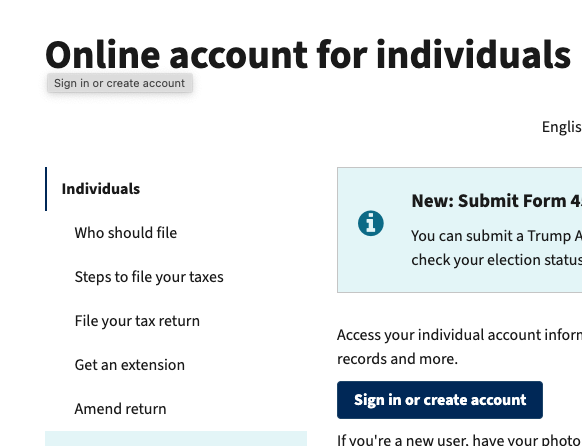
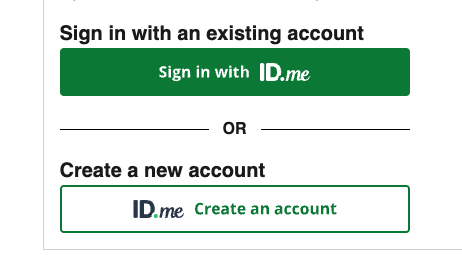
Either sign in if you already have an IRS ID.me account (I forget if you can use an id.me account associated with another government service: worth a try), or create one:
From here you can click ‘Make a Payment’, as well as view past payments (very helpful at tax time, but I would still recommend writing down all your estimated payments separately and putting that in your tax folder so that you remember at filing time.)

Enter your payment info:

Choose the bank account you want to pay from, including one you might have already linked. Then, hit ‘Submit’!
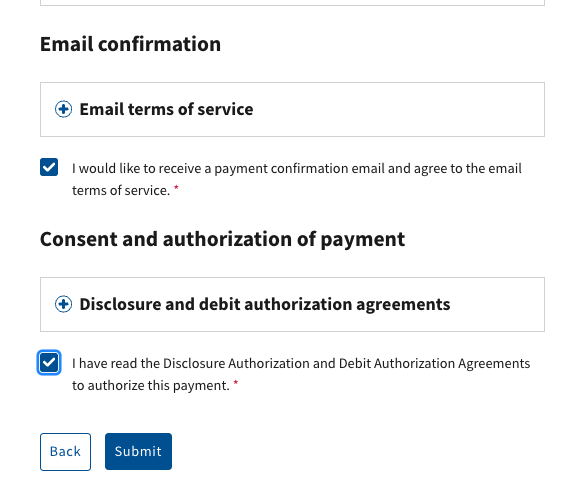
I print my confirmation just to be paranoid. Never trust the guv’ment! 🙂
Method 2 – No IRS account
First, go to the short url irs.gov/directpay, or directly to irs.gov/payments/direct-pay-with-bank-account:

Click ‘Pay Individual Tax’, then fill out the form as shown below (1040, Estimated Tax, and the current tax year, presumably):
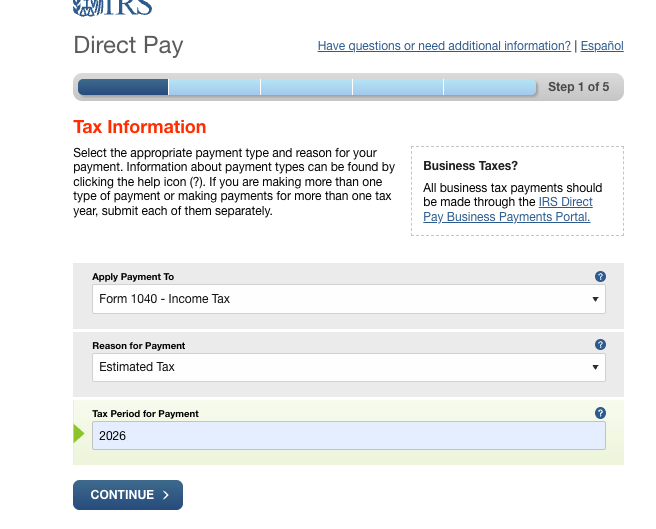

Fill out all the identify verification stuff:

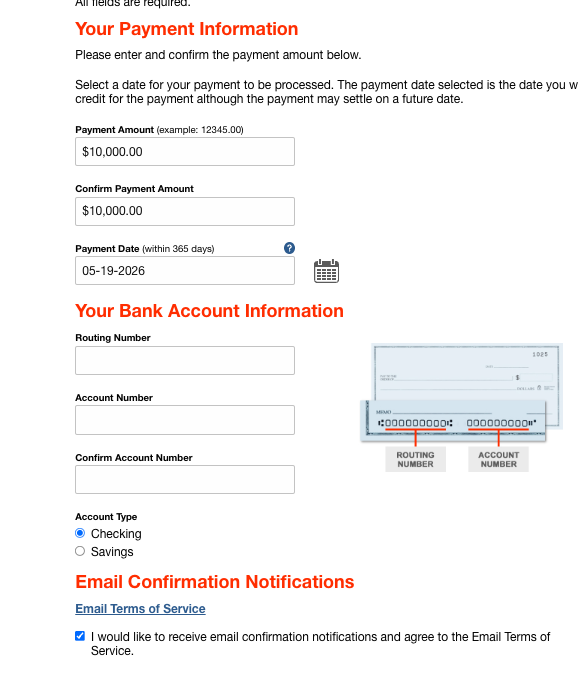
Fill out how much you want to pay, and make sure to check the email confirmation box. Separately, LOG WHAT YOU PAID and for what tax year, and file it in your tax folder so that you remember to enter it into your tax software to state that you withheld more. The IRS does NOT remind you of your estimated payment, so you’ll want to remember it at tax time!
Then, enter your name & social to digitally sign, and hit ‘Submit’. Success!

