
Click Accounts & Lists, then under ‘Your Account’, click ‘Account’.

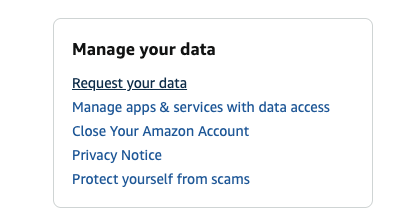
Scroll down to ‘Manage your Data’ and hit ‘Request Data’:
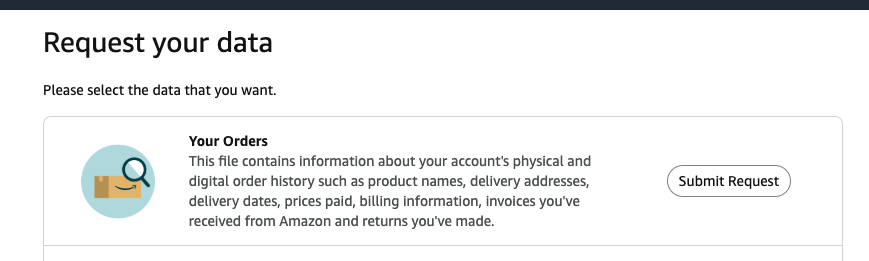
Then click ‘Your Orders’:
Then check your email and click the link to get your list of orders:

For some reason, this process takes days, not seconds like it should, but eventually you’ll get your data:
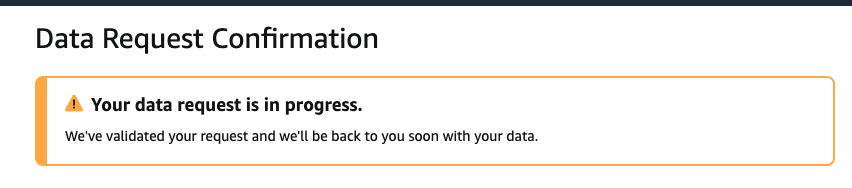
And then you’ll get an email with a link to download your data:

